
 Gmail
Gmail Microsoft 365
 HubSpot
 Calendly
A shared workspace
Give every reply an owner.
Assign each reply to a teammate and keep the email history, notes, and next meeting on the prospect.
Explore team outreach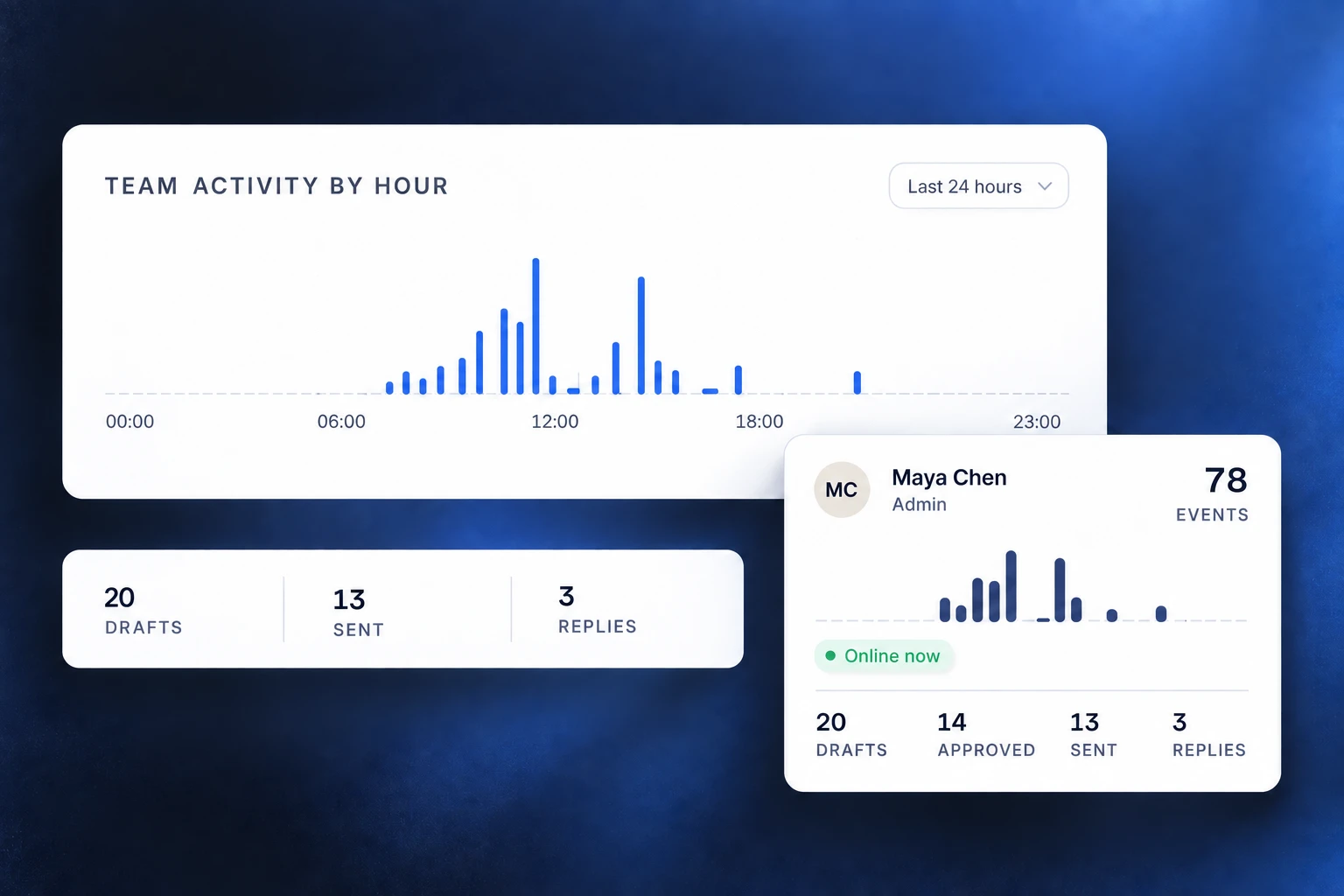
Find the decision-maker, get their verified email, and send a personal first email from your own Gmail or Outlook.
7-day trial · Card required · Cancel during the trial and pay nothing
Search by company, role or location, or describe who you sell to. Reach-book.com finds the decision-maker and checks their work email before you pay for it.
Explore the lead finderBuild a targeted list with company research and verified email addresses. Check for existing customer relationships before reaching out.
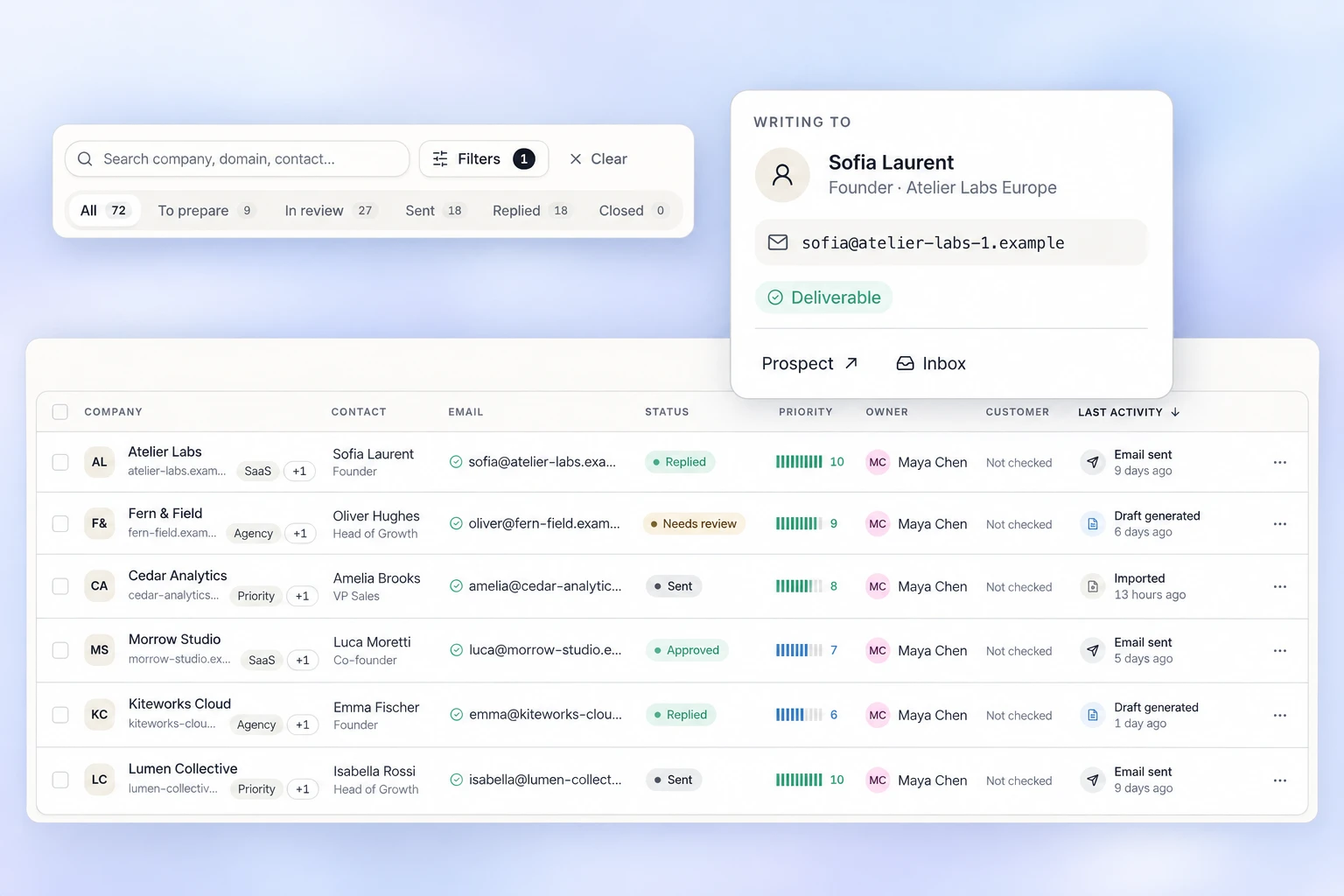
Pick a goal for your first week. Reach-book.com covers the list, the email, the follow-ups and the reply.
Agencies
Find the marketing or growth lead at companies in your niche, mention something specific about their business, and pass each reply to the right account manager.
Founders
Build a short list of decision-makers, write each first email from their company research, and let follow-ups run while you build the product.
Small sales teams
Share prospect lists, give each rep their own mailbox and limits, and see who owns each reply, meeting and deal.
Consultants and freelancers
Reach the person who hires for your service, follow up from your own Gmail or Outlook, and track which conversations became calls.
Emails go out from your own Gmail or Microsoft 365 account, within the limits you set.
Edit and approve drafts before they leave your mailbox.
Set daily limits, sending hours, and time between emails.
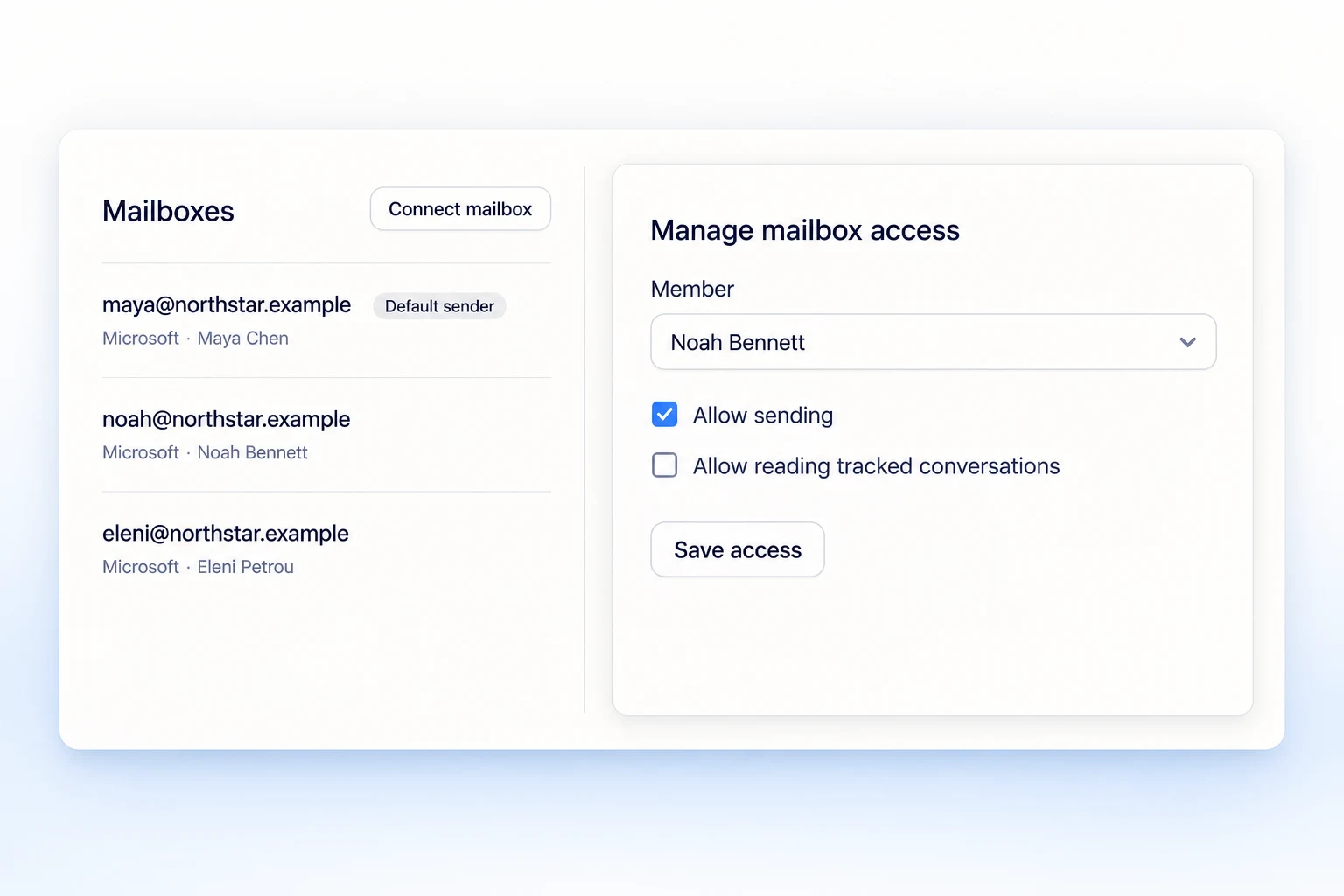
Replies and opt-outs stop the next follow-up.
Give teammates permission to read, send, or both.
A shared workspace
Assign each reply to a teammate and keep the email history, notes, and next meeting on the prospect.
Explore team outreachOutbound usually takes a lead database, an email finder, a sequencer and an inbox. Reach-book.com keeps all four on the same prospect record.
Your 7-day trial includes:
Card required. Available once per new workspace owner.
No card details on the signup form.
A card is required. Cancel during the trial and pay nothing.
Connect your mailbox when you are ready to send. Review your campaign before launch.
Find decision-makers and verified email addresses, draft personal emails with AI, and automate follow-ups. Handle replies and track meetings and deals in the same workspace.
Yes. You can edit and approve individual drafts. For campaigns, you review the recipients, senders, and rendered messages before launch. Approved campaigns can then send automatically within the schedule and limits you set.
Gmail and Microsoft 365 support sending, mailbox drafts, and outreach reply sync. Any other provider connects over SMTP; add IMAP and it syncs replies and runs follow-up campaigns too. Mailbox drafts need Gmail or Microsoft 365.
Yes. Import and export CSV files, connect your customer database, review HubSpot contact sync, and add Calendly booking links. API tokens and webhooks connect Reach-book.com to your own workflows.
Invite teammates to share prospect lists, assign replies, and track outreach activity. Set roles and mailbox permissions for each person. Included credits are shared across the workspace.
You can organize prospects, research, draft, and review before connecting a mailbox. Sending requires a connected mailbox and the appropriate workspace access. Paid research and AI features also require available allowances.
Start with a targeted prospect list and company research, prepare an email, and review it before sending. Add scheduled follow-ups, handle incoming replies, and record meetings or sales outcomes. Reach-book.com keeps these steps connected to the same prospect record.
No. Email verification gives you a status to check before sending; it does not guarantee inbox placement or a response. Review your list, message relevance, mailbox health, and sending limits. Respect recipient opt-outs and keep your do-not-contact list up to date.
More answers in the help center.